WHAT IT DOES
Description
Replaces the Cheese hat material with the Xelokz logo. Clamp wrapping and bilinear filtering stretch the design over the front UV area.
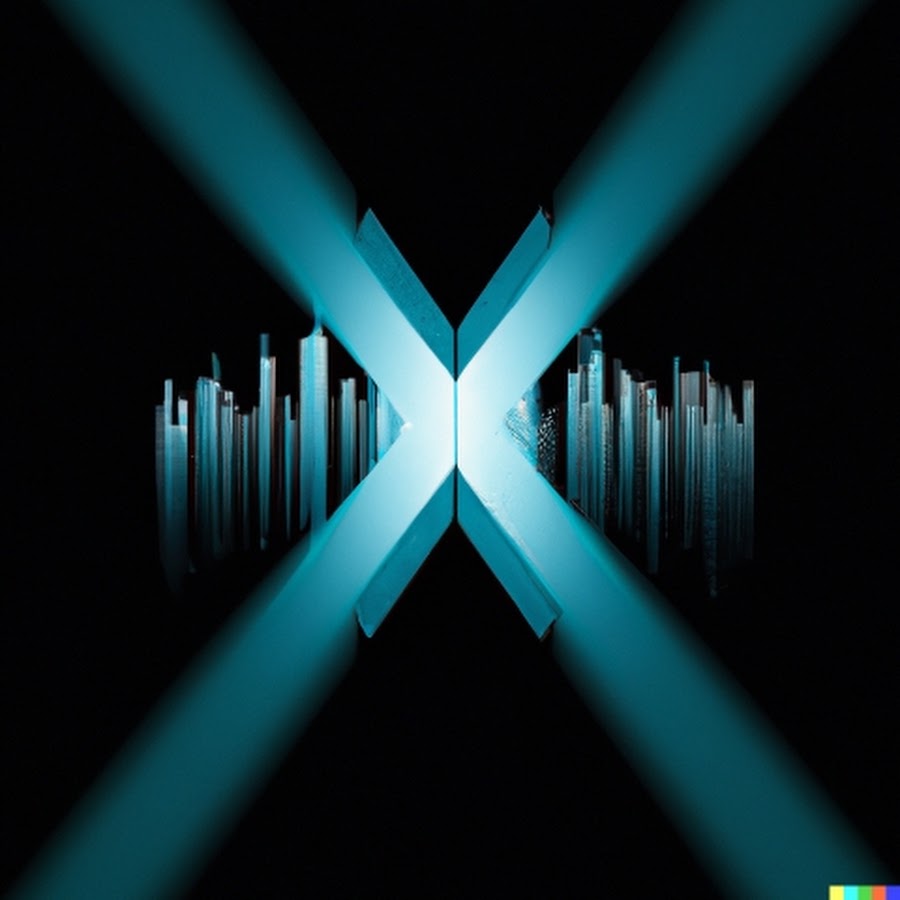 Xelokz hubBEETLEBALL MODS Installation guide
Replace the Cheese hat texture with the Xelokz logo.
Replaces the Cheese hat material with the Xelokz logo. Clamp wrapping and bilinear filtering stretch the design over the front UV area.
Embedded X texture replacement for the full-release Cheese hat.
Loading the board…